

TUI / Interactive aircraft experience
Explore before boarding.
A responsive, multilingual aircraft experience connecting interactive 360° tours with content managed through a headless CMS.
Inspect the experience- Client
- TUI
- Delivery
- 4 weeks / 2 sprint cycles
- Role
- Senior Product Designer, UX/UI Designer & Front-end Developer
- Scope
- Interactive experience, CMS integration and multilingual support
Connected challenge
Spatial exploration and editorial control had to work as one product.
Passengers needed a clear way to compare aircraft types, cabins and in-flight services through complex 360° imagery.
Content teams also needed to update supporting information across aircraft and languages without requiring a developer to alter the interface for every change.
Experience journey
Four connected steps turned complex 360° content into a usable journey.
The interface needed to help passengers choose the right aircraft, explore the cabin, inspect hotspots and read supporting information while remaining coherent across desktop, tablet and mobile.
Interaction model
A clear route through a non-linear space.
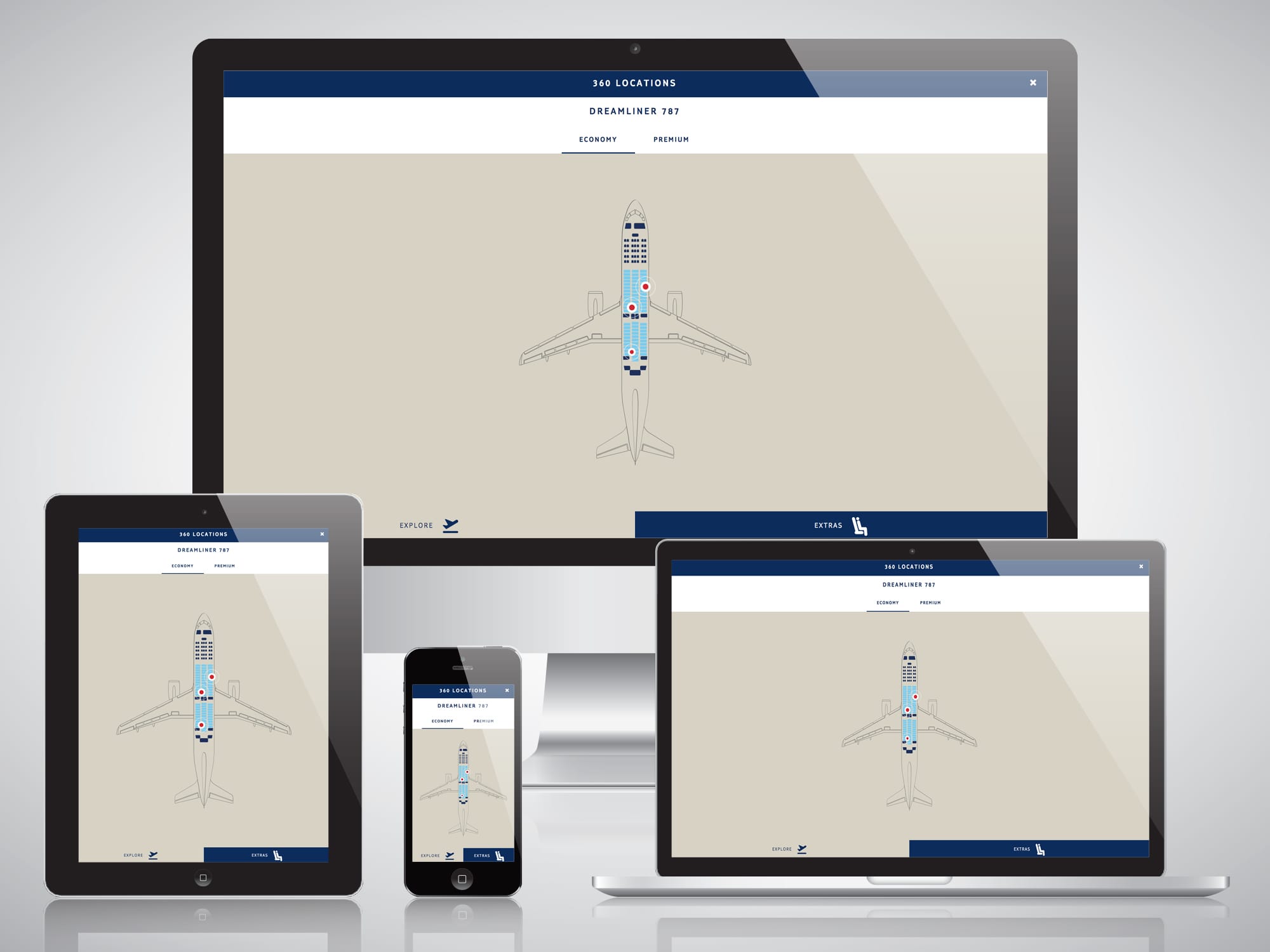
The interface gave people freedom to look around while retaining enough structure to understand location, aircraft context and the information attached to each hotspot.
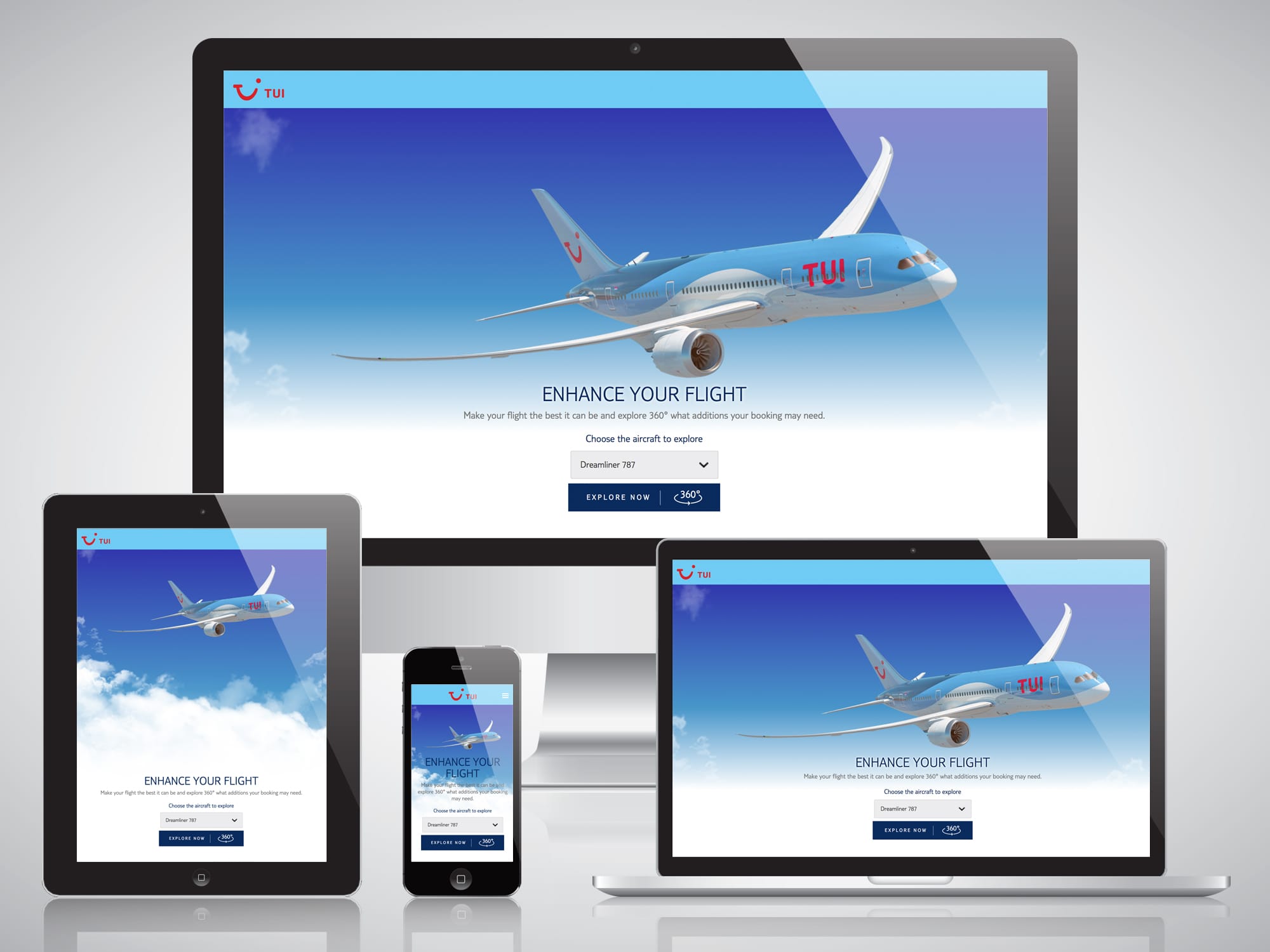
- 01 Choose aircraft Start with the right model and cabin
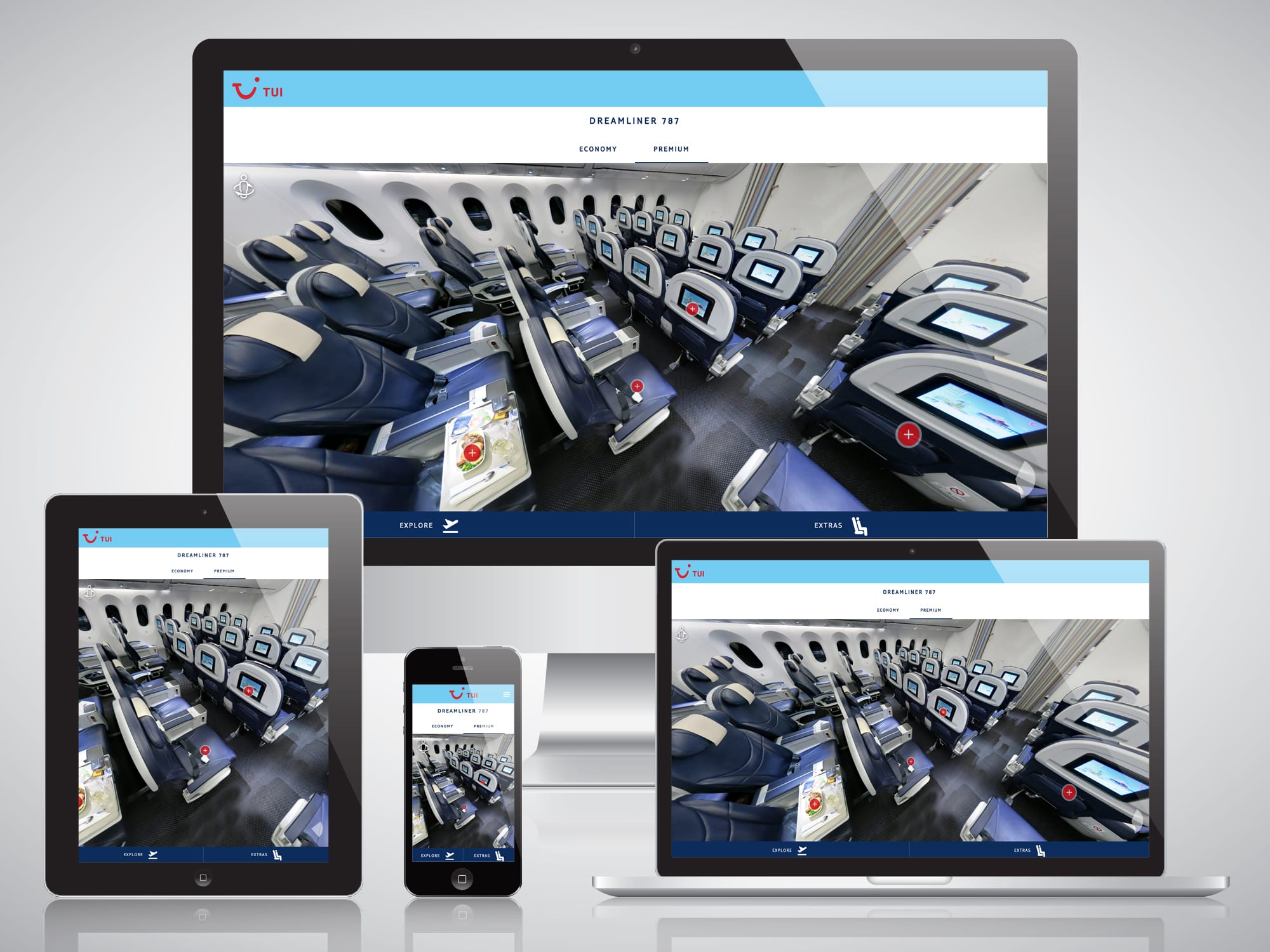
- 02 Enter the cabin Maintain orientation inside the panorama
- 03 Inspect hotspots Reveal details without leaving the view
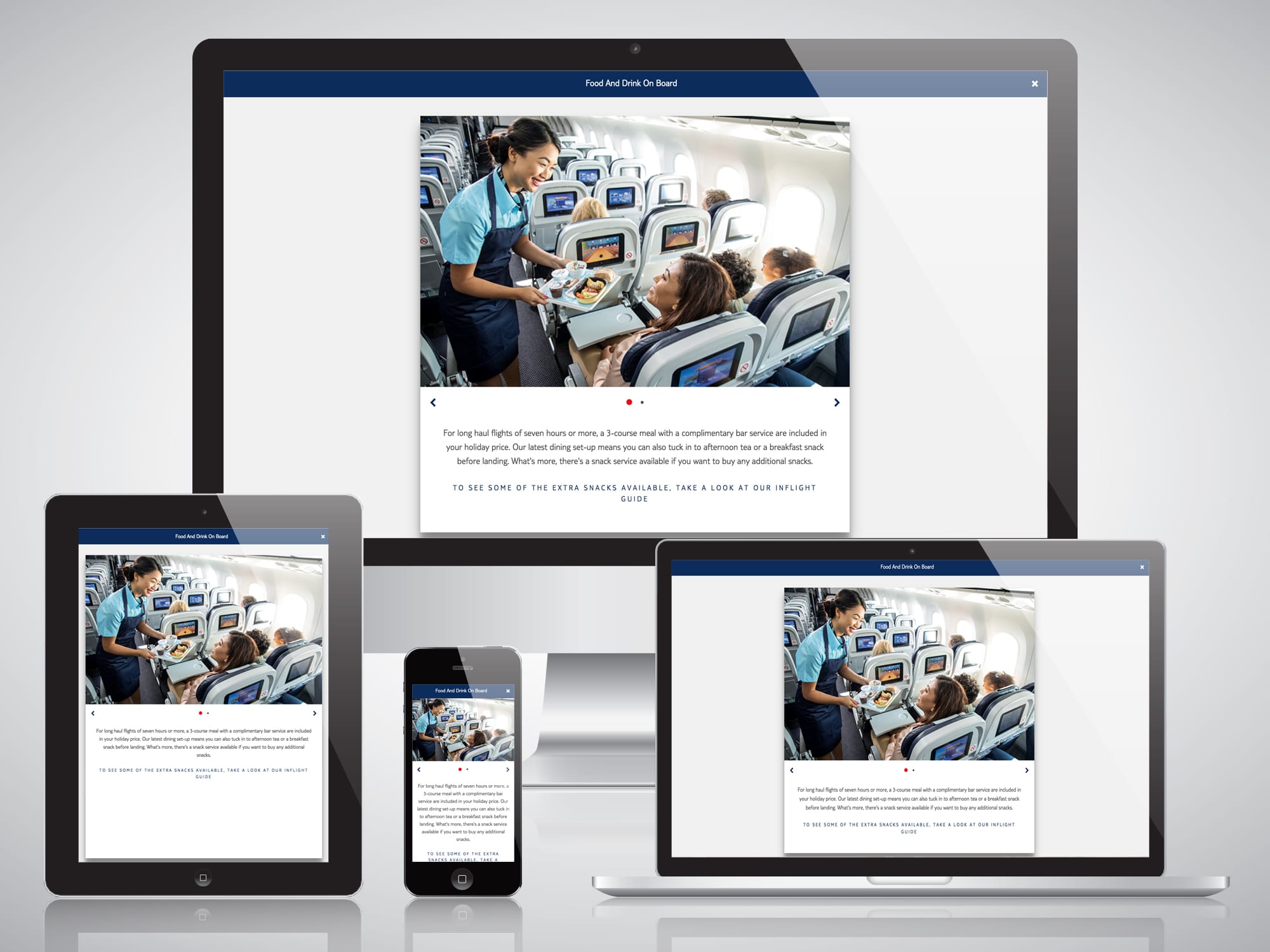
- 04 Read the detail Support decisions with localised content
Content topology
The panorama stayed stable while content changed around it.
Separating editorial content from interface code allowed aircraft information, hotspot detail and translations to be managed through a headless CMS.
Decision register
Three decisions protected clarity and delivery.
The product needed to feel exploratory without becoming disorienting, and flexible without moving content management into the interface code.
- 01 Keep spatial exploration anchored.
Aircraft and cabin context remained visible so free movement through the panorama did not remove a person’s sense of location.
- 02 Separate content from presentation.
CMS-managed structured content could change across aircraft and languages without redesigning the interaction layer.
- 03 Design mobile around the task.
Responsive behaviour prioritised exploration and information needs rather than compressing the desktop arrangement.
Delivery trace
Four weeks. Two connected sprint cycles.
Evidence boundary
The interactive experience, CMS integration and multilingual structure were delivered.
The work was completed across two sprint cycles and directly observed in use. Commercial performance, engagement, conversion and satisfaction outcomes were not quantified, so none are claimed.
Interface perspective
Intuitive and functional were the same requirement.
“Michael's ability to create outstanding user interfaces that are not only intuitive but also highly functional is impressive. During his time working for my department, he has built solutions across many different domains, including big data dashboards/live infographics, MDM, virtual reality and portal sites. Not only that, but he is a great guy!”
Next case study
TUI Content Hub
Need interaction and content to move together?
Tell me what people need to explore, what editors need to control and where the experience must adapt.
Start a conversationI usually respond within two working days.